

If you’re still relying on end-of-day email to catch stock moves, you’re probably leaving money on the table.
Real-time stock alerts deliver the moment price, volume, or news changes so you can act before the crowd.
They replace screen-staring with targeted pings via push, SMS, or webhooks that fit your style and speed.
Used smartly, alerts cut missed opportunities, limit regret, and boost returns by catching moves early.
This post lays out the best tools, alert types, setup tips, and rules to make alerts work for your trades.
Overview of Leading Stock Alert Tools

Stock alerts give traders an edge by getting critical info the second it drops. Whether you’re tracking a breakout, watching for volume surges, or waiting on earnings news, real-time notifications mean you don’t have to stare at screens all day. The gap between catching a 5 percent move at the open and reading about it an hour later? That’s often the difference between profit and regret.
Delivery methods are all over the place. Push notifications hit your phone in seconds, SMS works when your data’s patchy, email’s fine for lower-priority stuff, and webhooks connect to automation systems if you’re running programmatic trades. Each one has different speed and reliability quirks. Push and webhooks usually deliver under 30 seconds. Email can drag by minutes. SMS might run into carrier delays and extra costs.
People care most about speed, flexibility, and what it costs. The best tools let you stack conditions like “alert when price crosses $120 and volume’s over 2x the 30-day average,” then send it through multiple channels. They also cut down false positives with smart thresholds and give you enough quota to monitor a real watchlist without forcing you to play favorites.
Where the top platforms shine:
- TradingView – Custom alerts on 400+ technical indicators, webhook support for automation, tiered plans starting at $14.95/month for 10 alerts, up to 400 on premium.
- Yahoo Finance Premium – News and earnings alerts tied to your portfolio, mobile push and email, roughly $34.99/month with a free tier for basic price alerts.
- Webull – Real-time price and volume alerts on U.S. exchanges at no cost, solid mobile experience, SMS and push included for active users.
- Benzinga Pro – News-first alerts built around market-moving events, made for swing and day traders, pricing around $99 to $299/month depending on what you add.
- Interactive Brokers – Broker-native alerts with API integration for automated execution, free for account holders, latency under 5 seconds during market hours.
Key Types of Stock Alerts and When to Use Them
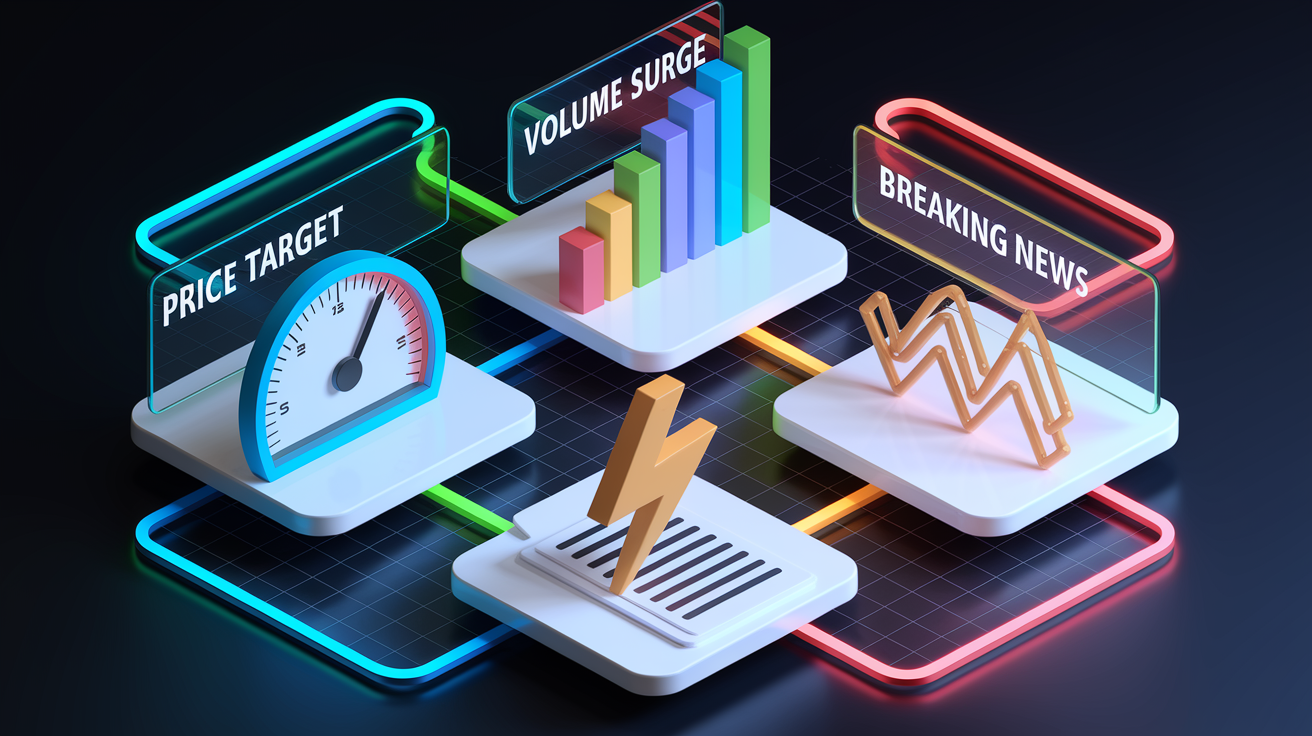
Price alerts are the simplest and most common. Set a target like “$180 for AAPL” and you’ll know the instant it crosses. Use them for breakouts above resistance, dips to support, or round-number psychological levels. They’re useful when you’ve already picked your entry or exit and just need the nudge.
Volume alerts catch unusual trading activity before it hits the headlines. A stock trading five times its 30-day average volume often signals news, institutional accumulation, or an imminent move. Set thresholds at 2x, 5x, or 10x depending on how aggressive you want to be.
News alerts track announcements that move markets. Earnings releases, SEC filings like 8-Ks or 13Ds, analyst upgrades, FDA approvals, M&A rumors. Platforms like Benzinga Pro and Seeking Alpha focus here, delivering push notifications within seconds of a press release. Pair these with calendar alerts set for one day before earnings so you’re never caught off guard.
Technical indicator alerts monitor signals like RSI crossing 70 or 30, MACD line crossovers, or the 50-day moving average crossing above the 200-day. These work best when you’ve backtested the signal on six to twelve months of data and confirmed it fits your strategy.
Main alert categories and their uses:
- Price target alerts – Notify when a stock hits an absolute price. Best for planned entries, exits, and breakout monitoring.
- Volume alerts – Flag unusual activity. Common threshold is volume at or above 2x to 5x the 20-day or 30-day average.
- News and earnings alerts – Catch market-moving events. Set calendar reminders 24 to 48 hours before scheduled releases.
- Technical indicator alerts – Automate signal detection. Popular examples include RSI > 70, RSI < 30, and moving average crossovers like 50/200.
How to Set Up Stock Alerts on Popular Platforms
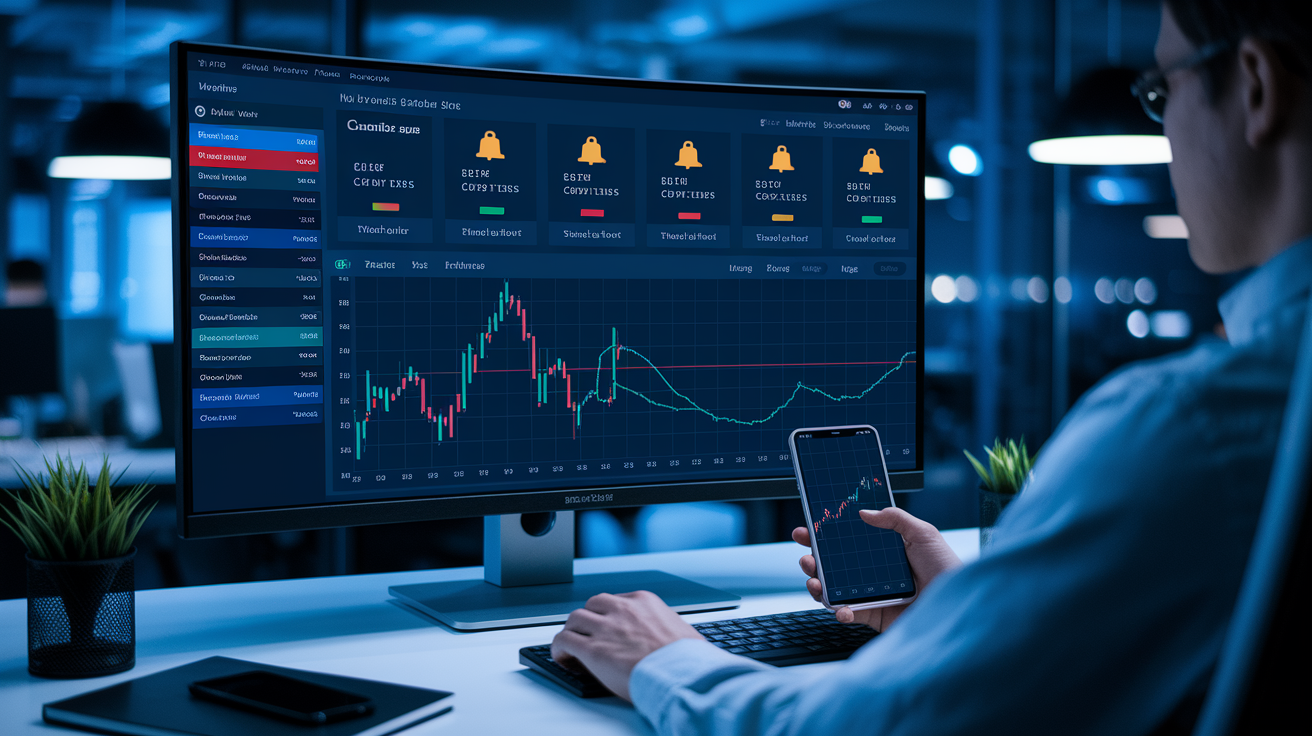
Setting Alerts on TradingView
Open the chart for your chosen ticker and select the timeframe you want to monitor. Click the alarm-clock icon in the top toolbar or right-click directly on the chart. Choose your condition: price crossing a level, indicator value, or percentage move.
Add filters if needed, such as volume greater than 2x average or RSI below 30, using the “AND” condition builder. Select notification method: push via the mobile app, email, webhook URL, or pop-up in browser. Set expiration and frequency: trigger once, repeat every time, or expire after 30 days. Then click “Create.”
Setting Alerts on Yahoo Finance
Search for the ticker in the Yahoo Finance app or website and open the stock detail page. Tap the bell icon or “Set Alert” button near the top of the page. Choose alert type: price above, price below, or percentage change. Common presets are 1%, 3%, 5%.
Enter your threshold value, like “Alert me when price goes above $180.” Select delivery: push notification, email, or both. Confirm your contact details are up to date. Save the alert and check the “My Alerts” section to verify it’s active and review your quota.
Setting Alerts on Webull
Open the Webull app, navigate to the stock you want to monitor, and tap the three-dot menu. Select “Price Alert” or “Custom Alert” depending on whether you need simple price or multi-condition triggers. For price alerts, enter the target value. For custom alerts, add conditions like volume or indicator thresholds.
Choose notification type: push, SMS (if enabled on your plan), or in-app banner. Set the alert to trigger once or repeat, and add an optional note like “scale out 25%.” Confirm and activate. Alerts appear in the notification center and sync across mobile and desktop.
Comparing Alert Features Across Major Platforms

Alert platforms split into two camps: broker-native tools that tie into order execution, and third-party charting or news services that focus on flexibility and speed. Broker platforms like Interactive Brokers and Thinkorswim offer the lowest latency for trade-critical alerts, often under five seconds, because the alert engine sits on the same infrastructure as your order router.
Third-party tools like TradingView and Benzinga Pro do well at customization, letting you build multi-condition alerts and route them via webhook to automation platforms like Zapier or directly to a Slack channel.
| Platform | Alert Types | Delivery Methods | Cost |
|---|---|---|---|
| TradingView | Price, %, indicator, drawing, custom multi-condition | Push, email, webhook, pop-up | Free (1 alert), $14.95/mo (10), $59.95/mo (400) |
| Interactive Brokers | Price, %, volume, news, order-book | Push, email, SMS, API | Free for account holders |
| Webull | Price, %, volume, technical presets | Push, SMS, in-app | Free (real-time U.S. equities) |
| Benzinga Pro | News, earnings, SEC filings, unusual options | Push, email, Slack, webhook | $99–$299/mo depending on tier |
Latency matters most for day traders and algorithmic execution. Real-time feeds deliver under one second to 30 seconds. Near-real-time stretches to five minutes. Delayed feeds lag 15 to 20 minutes and are only suitable for swing traders.
Quota limits also vary a lot. Free tiers typically cap you at one to five active alerts, mid-tier plans offer 10 to 30, and premium subscriptions allow hundreds. If you’re monitoring more than 20 tickers actively, budget for a paid plan or accept that you’ll rotate alerts manually as positions change.
Pricing Breakdown for Stock Alert Services
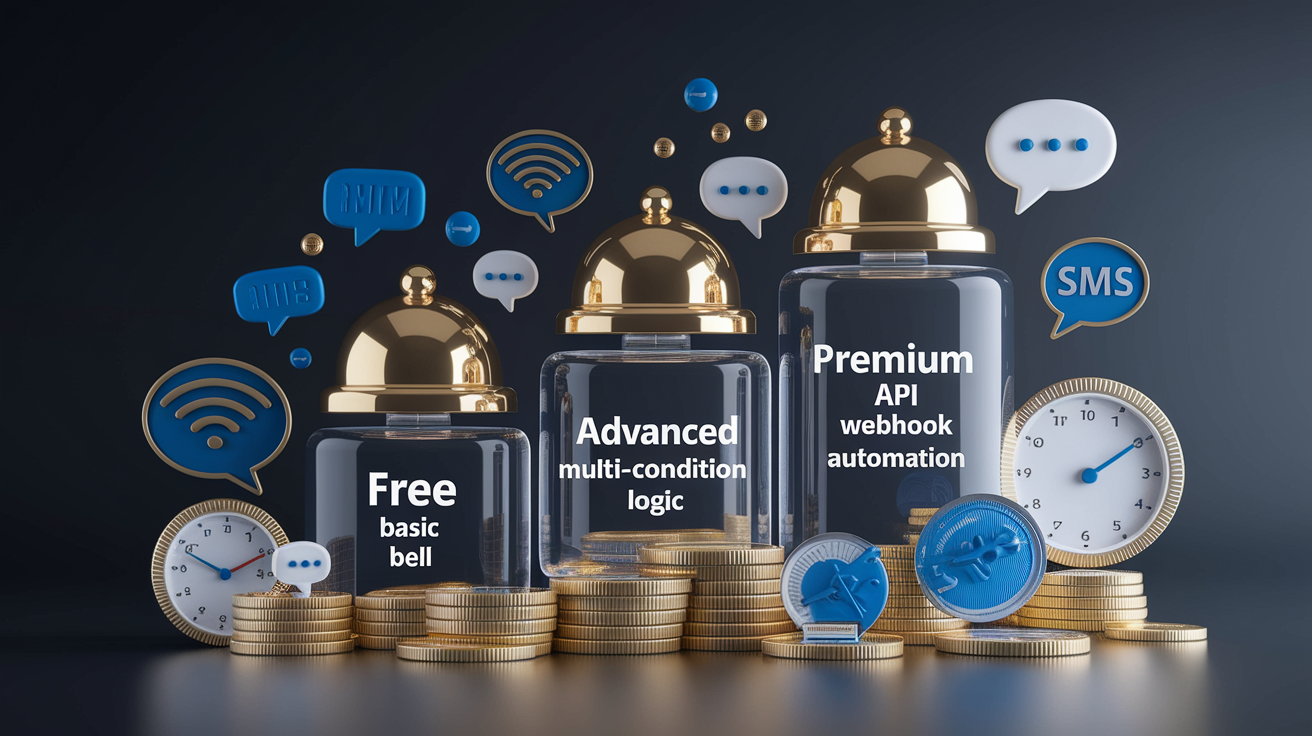
Most brokers and mobile finance apps include basic price alerts at no cost. Yahoo Finance, Robinhood, and Webull all let you set simple “notify me when price crosses X” triggers for free, usually with a small quota of five to ten alerts. These work fine for casual investors tracking a handful of long-term positions or waiting for dip-buying opportunities on a short watchlist.
Premium tiers give you speed, complexity, and scale. Charting platforms like TradingView charge $14.95 to $59.95 per month depending on alert count and indicator access. News-focused services like Benzinga Pro start around $99 per month and can exceed $299 for institutional-grade speed and filtering. Broker API access is often free if you hold an account, but professional data feeds for real-time quotes can add $5 to $50 per month per exchange depending on your provider and trading volume.
What you typically get with a premium fee:
- Higher alert quotas – Jump from 1 to 5 free alerts to 30, 100, or 400 active alerts on paid plans.
- Multi-condition logic – Combine price, volume, and indicator thresholds with AND/OR rules to reduce false positives.
- Webhook and API delivery – Route alerts to automation platforms, Slack channels, or your own execution scripts for real-time trading.
- Lower latency – Paid tiers often guarantee sub-30-second delivery and prioritize your alerts over free-tier users during high-volume periods.
- Advanced delivery channels – SMS credits, automated phone calls, Telegram bots, and Pushover integration for mission-critical notifications.
Best Practices for Using Stock Alerts Effectively
Less is more. Setting 100 alerts across every ticker on your radar guarantees notification fatigue and trains you to ignore the pings that actually matter. Limit active alerts to your top 20 to 50 high-conviction plays, and use summary watchlists or screeners for the rest. Each alert should answer a clear question: “Do I buy here?” or “Do I take profit?” or “Does this change my thesis?”
Layer conditions to filter noise. A simple “alert me when price hits $50” will trigger on a brief wick during low-volume pre-market and leave you second-guessing. Add “price > $50 AND volume at or above 2x 30-day average” and you’ll only hear about moves that carry real conviction.
Test multi-condition alerts on paper for at least a week before committing real capital.
Set expiration windows and cooldowns to avoid redundant triggers. A stock that bounces around your target will fire the same alert a dozen times in an hour unless you add “trigger once per 24 hours” or “expire after 7 days.” Use trailing alerts for profit-taking, with a 3 to 8 percent trailing stop depending on the stock’s volatility, and always route execution-critical alerts through your broker’s native system to cut latency and make sure the order engine’s ready when you are.
Final Words
In the action: this guide walked through the leading platforms, the types of alerts, step-by-step setup, feature comparisons, pricing and practical habits.
You now know when to use price, volume, news and technical alerts, how to set them on TradingView, Yahoo Finance and Webull, and what paid tiers add.
Use targeted stock alerts to stay informed without fatigue—focus on a few clear triggers and reliable delivery methods. Do this and you’ll get timely signals that help decision-making, not overwhelm it.
FAQ
Q: What is the best stock alert service?
A: The best stock alert service depends on your needs: TradingView for custom indicator and webhook alerts, Benzinga Pro for fast news, Webull for mobile conditional alerts, Yahoo Finance for simple free price alerts.
Q: Can you set up alerts for stocks?
A: You can set up alerts for stocks using broker apps or alert platforms; common triggers are price, volume, news, and technical indicators, delivered via push, email, SMS, or webhooks for automation.
Q: What is the 7% rule in stocks?
A: The 7% rule in stocks is not a single standard; it commonly means a trader’s 7% stop-loss or profit target. Its exact use varies, so clarify whether it’s risk, selling, or allocation guidance.
Q: Who owns 88% of the stock market in the USA?
A: About 88% of U.S. stock-market wealth is concentrated among the wealthiest households—roughly the top 10 percent—according to analyses of household ownership and wealth concentration.