

Think you have to pay for real-time stock alerts?
Think again.
Today’s free tools push price moves, volume spikes, and breaking news straight to your phone or inbox—features that once cost a subscription.
Free alerts can power smarter trades, but only if you pick the right platform and know the limits: alert caps, delayed data, and delivery choices.
This post walks you through top free platforms, the features that matter, and simple setup tips so your alerts actually help you trade, not distract you.
Top Free Stock Alert Platforms
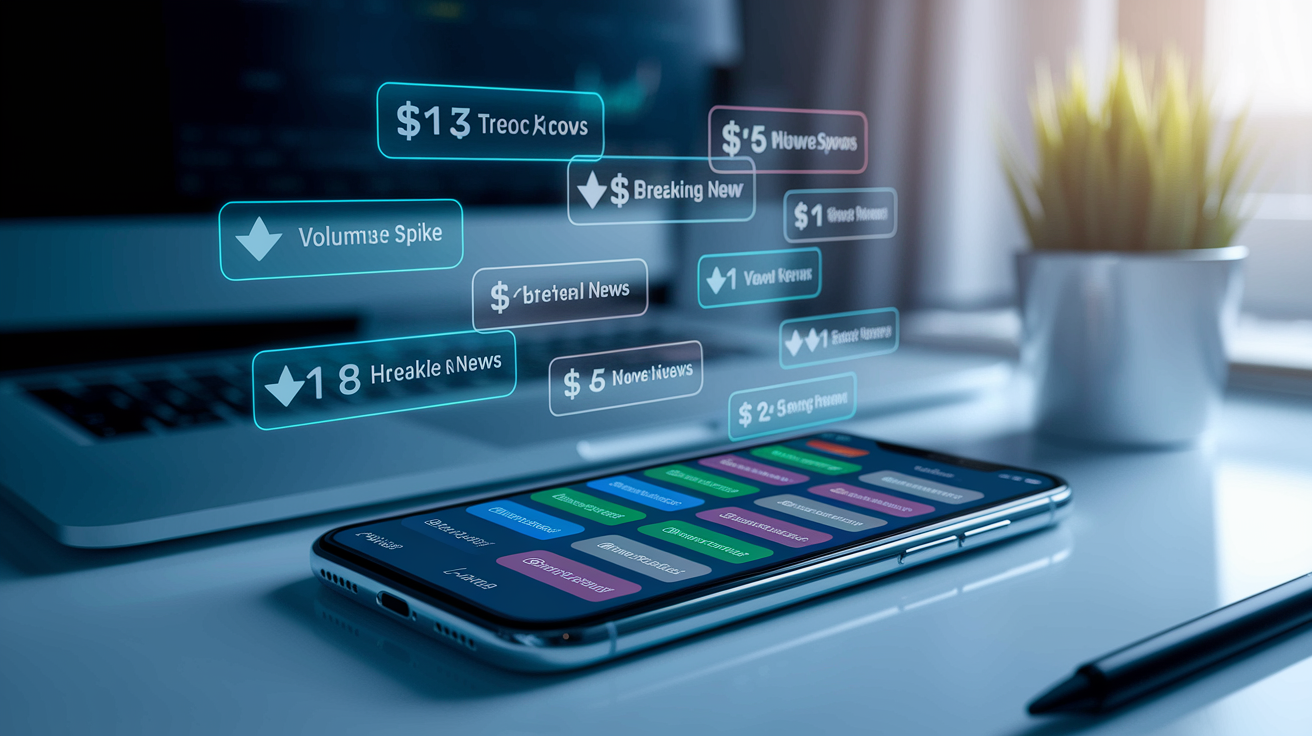
The market for free stock alert tools has grown a lot. Traders can now access features that used to cost money. Today’s platforms deliver price movements, volume spikes, and breaking news straight to your phone or inbox without charging you.
Webull offers unlimited free price alerts with real-time data if you have an account, plus volume and technical indicator notifications through the mobile app.
Yahoo Finance provides simple price threshold alerts and breaking news push notifications for virtually any stock, ETF, or index.
TradingView (free tier) allows one active server-side alert at a time, supporting price, technical indicator, and drawing-based triggers on professional charts.
MarketWatch sends email and mobile alerts for price changes, earnings announcements, and analyst upgrades or downgrades at no cost.
Robinhood delivers free price movement alerts, order fill confirmations, and account security notifications tied directly to your brokerage account.
Stocktwits focuses on social sentiment and trending ticker alerts, notifying users when symbols gain unusual mention volume.
Finviz (free tier) provides delayed screener-based watchlist alerts via email when stocks meet custom filter criteria.
Free alert tools typically cover the basics well. You’ll get reliable price-threshold notifications, news headlines, and simple technical triggers without paying anything. The catch shows up in quantity limits (one to five active alerts on some platforms), delayed data feeds (commonly fifteen minutes behind live prices), and restricted delivery options. Push and email, yes. SMS and webhooks, usually no. For casual monitoring and buy-and-hold strategies, these free services handle the job. Active traders eventually bump into the alert caps and upgrade, but everyone should start here to test which platform fits their workflow before spending money.
Core Features to Look For in Free Stock Alerts
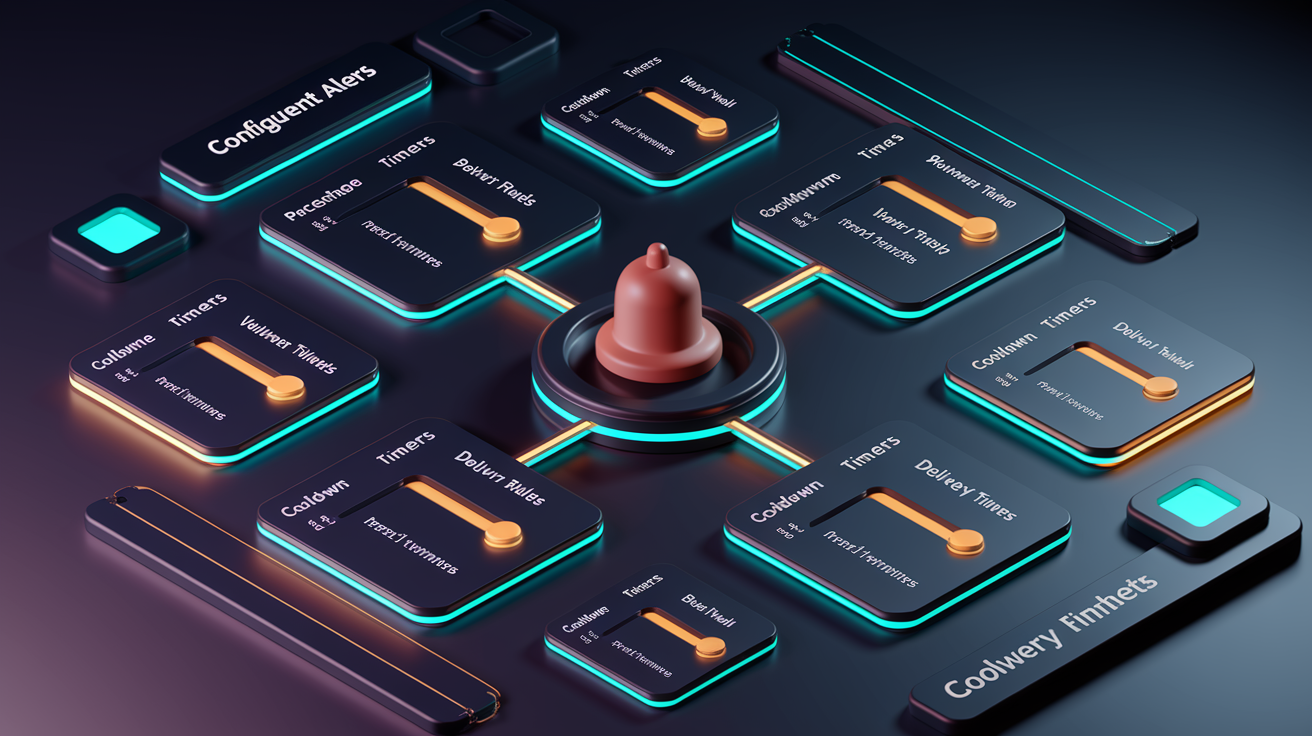
Not all free alert services deliver the same value. The best platforms combine fast updates, flexible trigger options, and reliable delivery so you catch opportunities without drowning in noise.
Start by checking update speed. Real-time alerts (under five seconds from trigger to notification) matter for day trading and scalping. Delayed feeds work fine for swing trades and long-term holds. Next, examine customization depth. Can you set both absolute price targets ($50.00) and percentage moves (+3%)? Can you combine conditions, like “price above $45 AND volume greater than twice the twenty-day average”? Simple yes or no price alerts are useful, but multi-condition triggers filter out false breakouts and reduce alert fatigue.
Features that separate strong free platforms from weak ones:
Real-time or near-real-time data determines whether you see moves as they happen or fifteen minutes later.
Multiple alert types include price, percentage change, volume spike, moving-average cross, RSI threshold, news event.
Flexible delivery means push notifications, email, and ideally SMS or webhook support for automation.
Watchlist integration gives you the ability to apply one alert rule across an entire watchlist instead of setting it ticker by ticker.
Repeat and cooldown controls let you trigger once, repeat every thirty minutes, or expire after one trading day to avoid spam.
Test and preview mode lets you simulate an alert before it goes live, so you catch setup mistakes early.
How Stock Alerts Work (Types and Delivery Methods)

Stock alerts monitor specific conditions around the clock and notify you the moment a trigger fires. Each platform uses server-side monitoring to track prices, volume, and technical indicators continuously, so you don’t need to keep the app open or your computer running.
Types of Alerts
Price alerts fire when a stock hits an exact dollar amount. “Notify me when XYZ reaches $48.00.” These work well for profit targets, stop-loss levels, and psychological round-number breakouts.
Percentage-change alerts trigger on relative moves. “Alert me if ABC rises 5% in one day” or “Notify if it falls 3% from the open.” Useful for catching momentum and protecting against sudden drops.
Volume alerts detect unusual trading activity. “Trigger when current volume exceeds 200% of the twenty-day average volume.” High volume often precedes breakouts, earnings leaks, or news-driven moves.
News and earnings alerts notify you of breaking headlines, SEC filings, analyst upgrades, dividend announcements, and scheduled earnings releases. These keep you informed without manually refreshing news feeds.
Technical indicator alerts track chart-based signals. RSI crossing above seventy (overbought), MACD line crossing the signal line, or the fifty-day moving average crossing above the two-hundred-day (golden cross). These alerts translate chart patterns into real-time notifications.
Gap alerts fire when a stock opens significantly higher or lower than the previous close. “Notify if DEF gaps up 2% or more at the open.” Gaps often signal overnight news or pre-market momentum.
Delivery Methods
Push notifications arrive on your phone instantly, typically within one to five seconds of the trigger. This is the fastest free delivery method and works as long as you have the app installed and notifications enabled.
Email alerts land in your inbox within thirty seconds to five minutes after the trigger. Reliability is high, and emails create a searchable archive, but latency is slower than push.
SMS alerts deliver text messages to your phone, but most free platforms don’t offer SMS or limit it to paid tiers. When available, expect ten seconds to five minutes of delay and possible per-message fees.
Setting Up Free Stock Alerts Step-by-Step
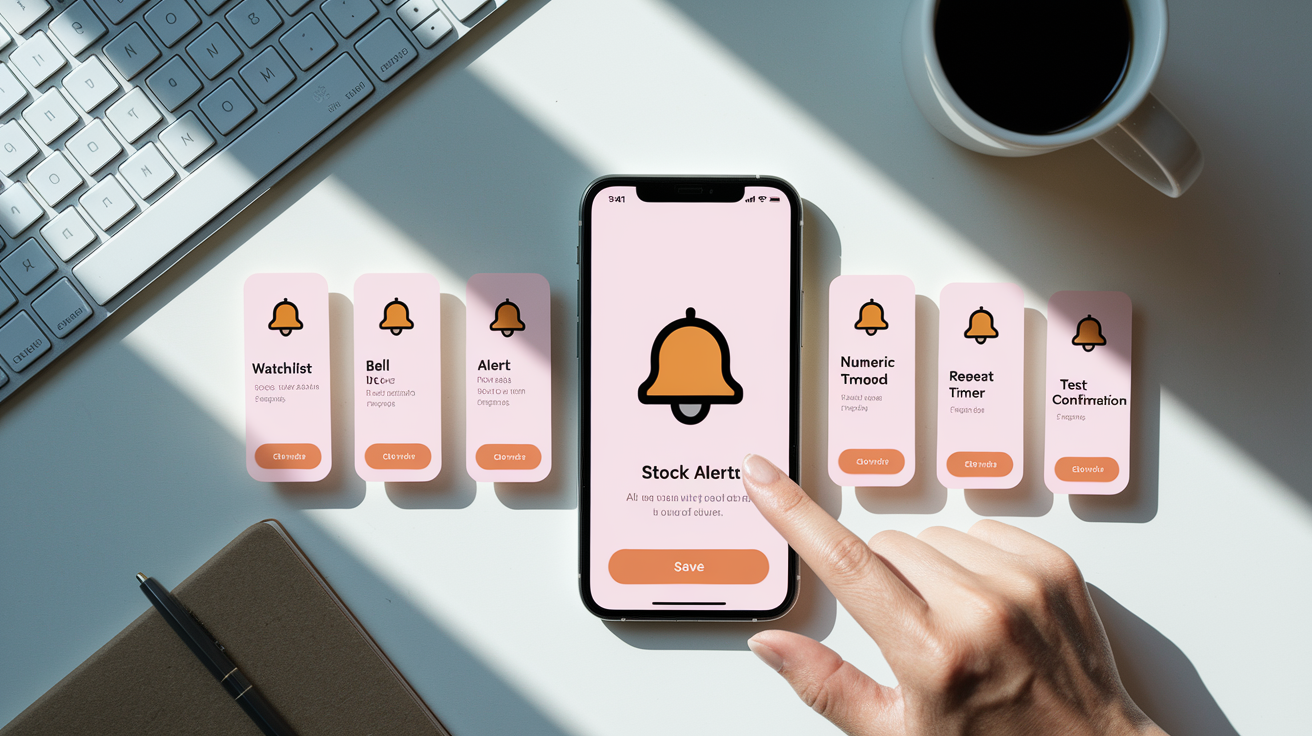
Creating your first stock alert takes less than five minutes once you know the sequence. The process is nearly identical across platforms, so learning it once transfers everywhere.
Pick your platform and create a free account using your email. Most apps verify your email immediately and let you start building watchlists right away.
Step 1: Add tickers to your watchlist. Start with ten to twenty stocks you’re actively following. Keeping the list focused reduces noise and keeps you within free-tier limits.
Step 2: Select a ticker and tap the alert or notification icon (usually a bell symbol).
Step 3: Choose your alert type. Price target, percentage move, volume spike, or technical indicator.
Step 4: Enter your numeric threshold. For price alerts, type the exact dollar amount ($50.00). For percentage alerts, enter the percent change (+5% or -3%). For volume, specify the multiplier (2× average volume).
Step 5: Pick your delivery method. Enable push notifications for speed, add email for backup, and skip SMS unless you’re willing to pay for it.
Step 6: Set repeat and expiration rules. Decide whether the alert fires once and stops, repeats every thirty minutes, or expires after one trading day.
Step 7: Save and test. Create a throwaway alert on a volatile stock with a loose threshold to confirm notifications arrive on time, then adjust your real alerts.
Comparing Popular Free Stock Alert Platforms

Each free platform makes different trade-offs between speed, features, and ease of use. The table below maps out where each service excels and where it falls short.
Webull and Robinhood lead on speed because they provide real-time brokerage data. TradingView offers the deepest technical customization despite limiting free users to one active alert. Yahoo Finance wins on simplicity and zero friction (no account required for basic price alerts) but sacrifices advanced features. Finviz delivers powerful screener-based alerts but relies on delayed data unless you pay for Elite.
| Platform | Alert Types Available | Delivery Methods | Customization Level | Real-Time Speed |
|---|---|---|---|---|
| Webull | Price, percentage, volume, technical indicators | Push, email | Medium (multi-condition support) | Real-time (under 5 seconds) |
| Yahoo Finance | Price, percentage, news | Push, email | Low (simple thresholds only) | Near-real-time (5 to 15 seconds) |
| TradingView Free | Price, technical indicators, drawing tools | Push, email, webhook (paid) | High (custom scripts, multi-condition) | Real-time (server-side, under 5 seconds) |
| Robinhood | Price, percentage, order fills, account events | Push, email | Low (basic thresholds) | Real-time (instant on account data) |
| Finviz Free | Screener-based watchlist alerts | Medium (screener filters) | Delayed (15 to 20 minute lag) |
Limitations of Free Stock Alert Services

Free alert tools get you in the door, but they come with hard caps that matter once you start relying on them for trade decisions. The most common restriction is alert quantity. TradingView’s free tier allows exactly one active server-side alert at a time, meaning you choose one stock and one condition. Yahoo Finance and Webull are more generous with basic price alerts, but multi-condition and technical-indicator alerts often hit caps around five to ten active rules.
Data delays create the second major limitation. Finviz’s free screener updates every fifteen to twenty minutes, so a breakout alert might arrive long after the move started. Even platforms advertising “real-time” alerts sometimes rely on delayed exchange feeds unless you connect a brokerage account or pay for premium data. During high volatility, that fifteen-minute lag turns a breakout alert into a missed opportunity.
Delivery options also narrow on free tiers. Push and email come standard, but SMS and webhook integrations (critical for automated trading systems) typically require paid upgrades. If you want to route alerts into a trading bot or receive text messages during market hours, expect to pay somewhere between fifteen and fifty dollars per month depending on the platform.
Tips for Improving Alert Accuracy and Usefulness
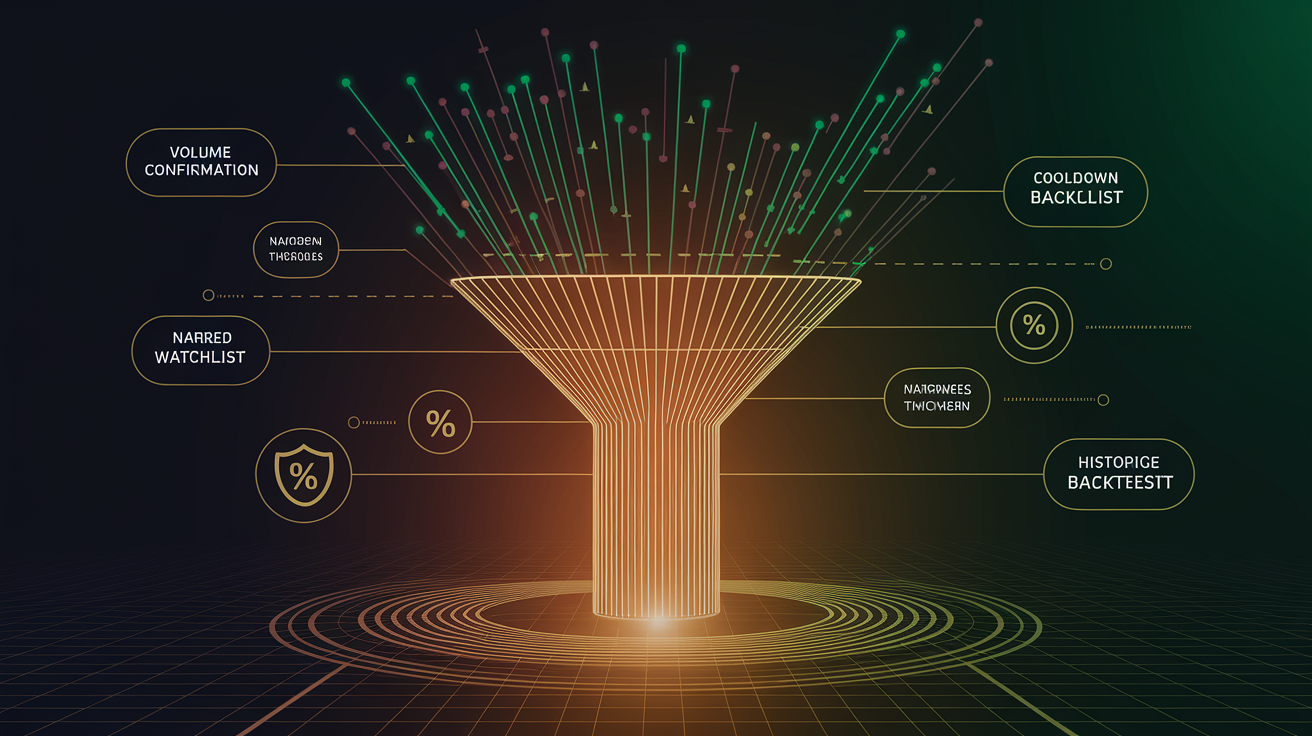
Stock alerts become noise if you don’t tune them properly. A few strategic adjustments turn a flood of notifications into a short list of actionable signals.
Stack volume and price conditions. Require both a price breakout AND volume above 150% of the twenty-day average to filter out low-conviction moves.
Use percentage thresholds instead of absolute prices. A $2 move means something different for a $10 stock versus a $200 stock. Percentage alerts auto-scale.
Set cooldown periods. Configure alerts to wait thirty to sixty minutes before firing again on the same ticker to avoid repeated pings during a single trending move.
Narrow your watchlist. Monitoring fifty stocks generates ten times the alerts of monitoring five. Focus on your highest-conviction ideas.
Cross-verify with a second platform. If Webull fires a volume alert, check TradingView or your broker for confirmation before acting.
Test thresholds on historical data. Mentally backtest your alert rules over the past month to see how many would have been false positives versus real opportunities.
Final Words
We listed the top free platforms and gave one‑line summaries so you can pick a starter app fast.
You learned which core features matter, how different alert types and delivery methods work, and a clear step‑by‑step setup you can follow.
We also compared platforms, flagged common limits on free tiers, and shared quick tips to sharpen signals and reduce noise.
Use free stock alerts to stay on top of price moves without paying — start simple, tweak thresholds, and you’ll get more useful signals over time.
FAQ
Q: What is the best free stock alert service?
A: The best free stock alert service depends on needs; Webull, TradingView (free tier), Yahoo Finance, MarketWatch, and Robinhood are top choices for price, volume, and news alerts without paid plans.
Q: How do I get alerts for stock prices and are stock alarm apps free?
A: To get alerts for stock prices, add a ticker, set a trigger (price, percent, or indicator), then choose delivery (push, email, SMS). Many alarm apps offer free tiers with basic alerts; advanced features may require paid plans.
Q: What is the most accurate free stock predictor?
A: The most accurate free stock predictor is no single tool; free predictors (indicator combinations on TradingView, consensus signals on Yahoo) can help predict short-term moves, but accuracy varies and isn’t guaranteed.